Put your photos in any order on Android and save them numbered from 001
Photo Order & Number is an Android app that lets you drag your selected photos into any order and save them all at once as numbered files—001, 002, 003, and so on—in exactly that order. Your original photos are not changed; the app saves separate copies.
▶ Get it on Google PlayApp facts
- App name
- Photo Order & Number (Japanese name: 写真並べ替え・連番保存 / home screen label: PhotoOrder)
- Package name
- com.hiroshistudio.photoorder
- Requires
- Android 10 or later
- Price
- Free (contains ads)
- Developer
- Hiroshi Studio
- Languages
- English, Japanese, Spanish, Portuguese (Brazil), Indonesian, Hindi, Filipino, Turkish, German, French
- Download
- Google Play
How to use it (3 steps)
- Tap “Choose photos” and select your photos (up to 100; you can add more later with “Add photos”).
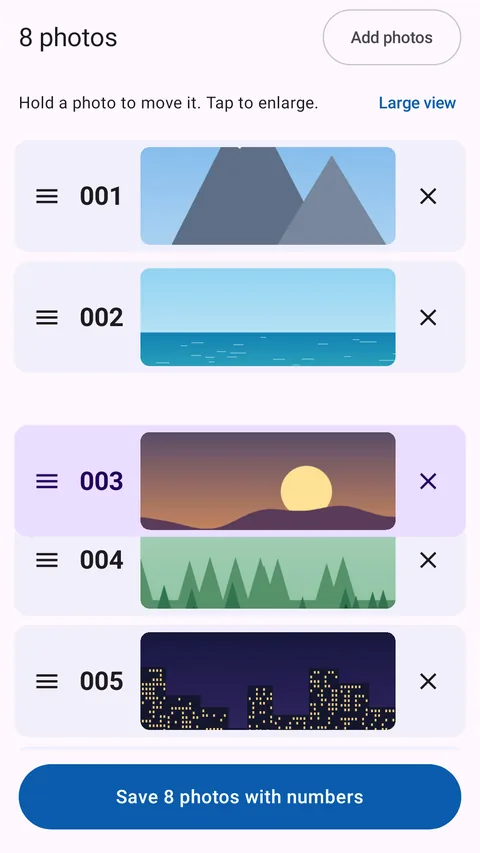
- Press and hold a photo, or grab the handle (≡) on the left, and drag it up or down into the order you want.
- Tap “Save … photos with numbers”. The photos are saved as 001, 002, 003… in the order you arranged.
Features
- Change the order freely by dragging (long press or the handle)
- Save everything at once with three-digit numbers starting from 001, in your chosen order
- Up to 100 photos per batch
- Switch between large and small view, and tap to enlarge
- Original photos are never changed or deleted; copies are saved as separate files
- Supports JPEG, PNG, WebP, HEIC, AVIF and GIF, saved in the original format without recompression
- Each save creates a new dated folder inside “Pictures/PhotoSequence”, so earlier saves are never overwritten
- All processing happens on your device
Real app screens
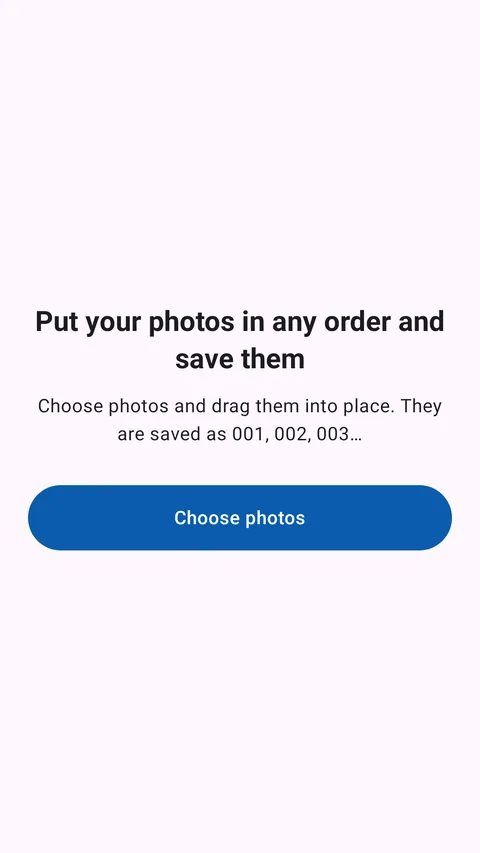
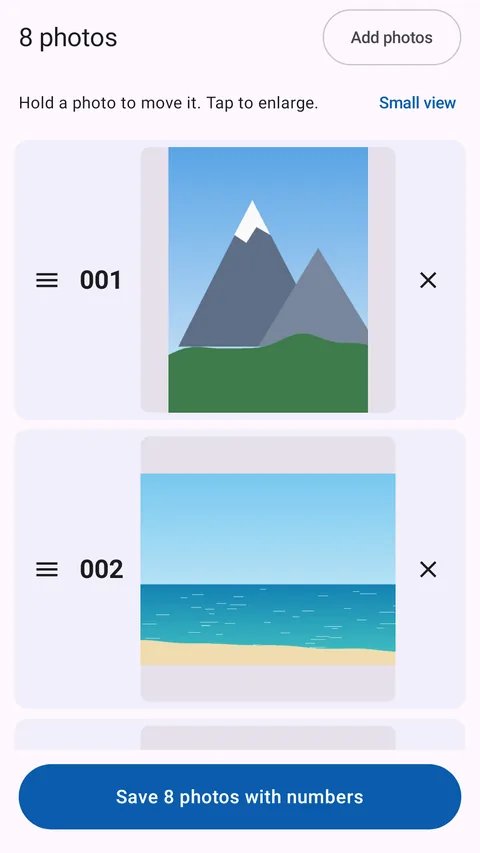
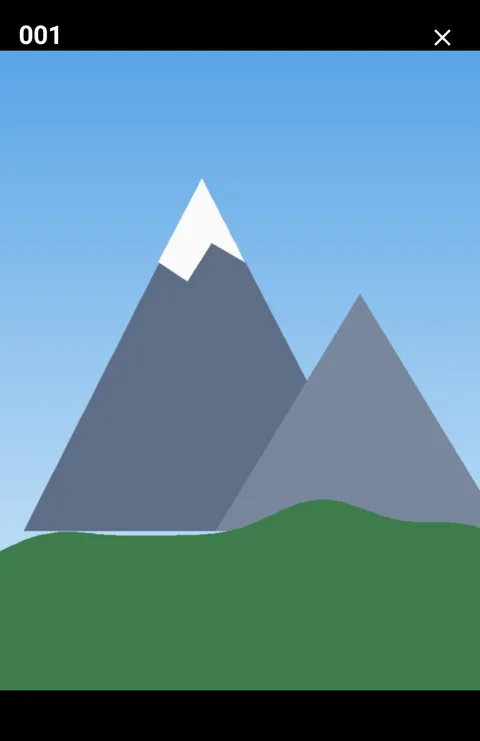
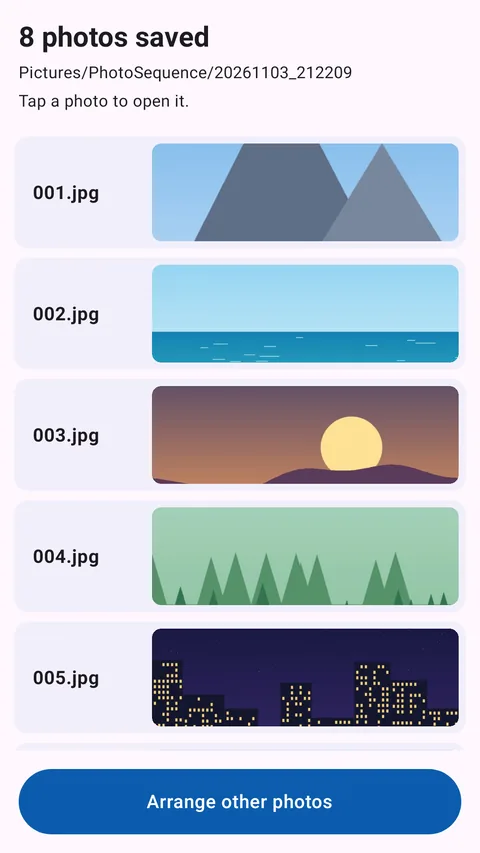
Screens were captured from the actual app. The photos are illustrations made for this page. Ads are not shown.
Where files are saved and how they are named
Files are saved in a new folder named after the date and time, inside Pictures/PhotoSequence on your device.
Pictures/PhotoSequence/20261109_093000/
  001.jpg
  002.png
  003.jpg
The file extension follows each photo’s original format, so a mix of JPEG and PNG photos keeps each format.
If any photo cannot be read while saving, the whole save is cancelled. No incomplete folder with missing numbers is left behind, and the app shows which photo had a problem. Your order stays as it was, so you can remove that photo and save again.
About the order in gallery apps
Gallery apps such as Google Photos may sort photos by the date they were taken rather than by file name. This app guarantees that the numbers in the saved file names (001, 002…) match the order you arranged. It cannot change how gallery apps display them. To check the order by name, open the folder in a file manager and sort by name.
FAQ
Can I reorder photos in any order on Android?
Yes. Your selected photos appear in a vertical list. Press and hold a photo, or drag the handle on the left, to move it up or down. You can switch to a large view or tap a photo to enlarge it while you arrange.
Can I save photos with numbers starting from 001?
Yes. The photos are saved with three-digit numbers—001, 002, 003…—in the order you arranged. Numbering always starts at 001.
Can I batch rename multiple photos?
The app does not rename the original files. Instead, it saves numbered copies into a new folder in one go. The original photos keep their names and locations.
What happens to my original photos?
They are only read, never changed, overwritten or deleted. Copies are saved in the original format without recompression, but location data may not be included in the saved files because of how Android’s photo picker works.
How many photos can I arrange?
Up to 100 at a time. The number you can pick at once in the photo picker depends on the device, but you can add more with “Add photos”. The same photo is not added twice.
Where are the saved photos?
In a folder named after the date and time inside “Pictures/PhotoSequence” on your device. The completion screen also shows the numbered files, and you can tap a photo to open it.
Why doesn’t Google Photos show them in number order?
Gallery apps like Google Photos may sort by the date taken instead of the file name. This app matches the file numbers to your order, but it does not change gallery sorting or the date taken.
Are my photos uploaded anywhere?
No. Arranging and saving happen entirely on your device; photos are not sent to any server. The app can only access the photos you choose in Android’s standard photo picker.
Is it free?
Yes, it is free to download and use, with ads. A banner ad appears at the bottom of the arrange screen, and a full-screen ad may appear after a save completes (no more than once every 3 minutes).
Can it edit photos or reorder videos?
No. The app focuses on reordering photos and saving them with numbers. It has no cropping, text, filters, video reordering, album creation or cloud backup.
What it cannot do
- Rename the original files directly (it saves numbered copies)
- Change the order shown in gallery apps or the date a photo was taken
- Photo editing such as cropping, text or filters
- Reordering videos
- Run on iPhone (iOS)
More apps from Hiroshi Studio
Screenshot Middle Cut: an Android app that removes the unwanted middle of a long screenshot and joins the top and bottom